Public Documentation
Feature Catalog: Staff and Access
Staff and Access helps studios scale team operations without losing control over permissions, roles, and login access.
Feature Guide
Invites and Login Access
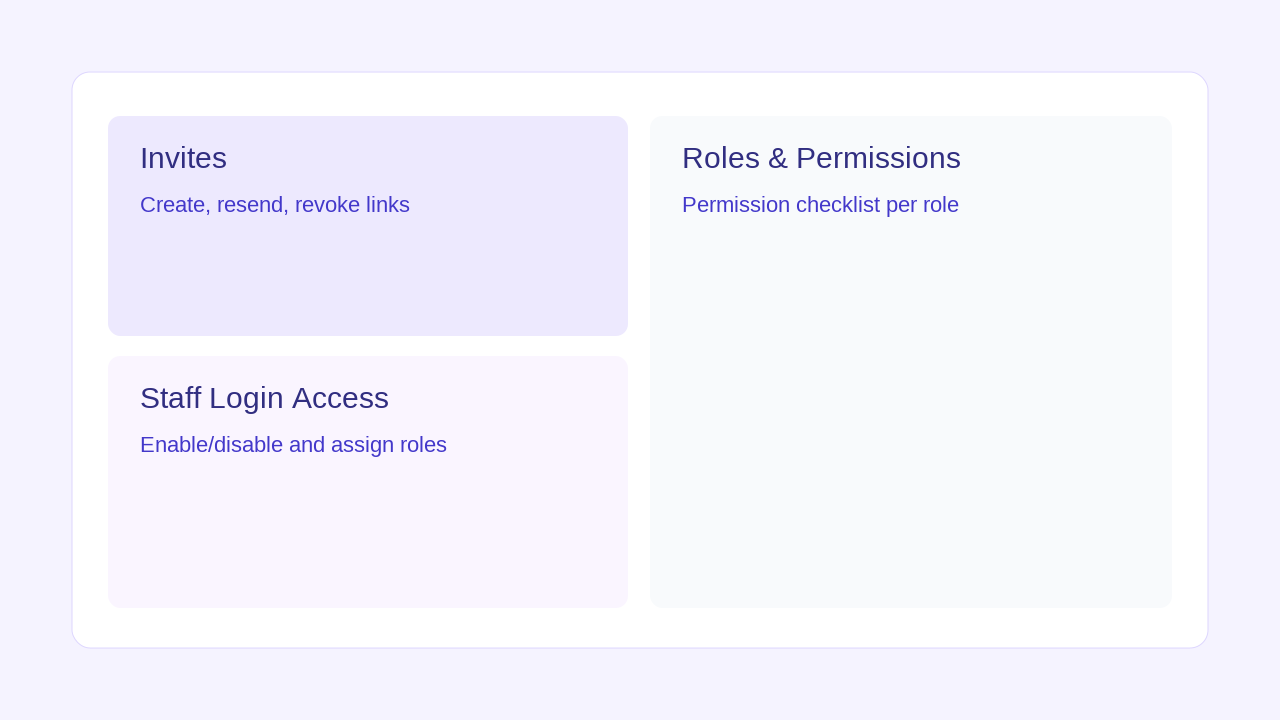
Create, resend, and revoke invite links for staff onboarding.
Invites and verification emails arrive as polished CalendarVU-branded messages. Each person continues with their LenzVU account, so there is no separate CalendarVU password to create or remember.
The same secure sign-in follows staff across participating LenzVU products. When someone moves from HotspotVU to CalendarVU, their business access is checked automatically and they can continue without entering their credentials again.
Enable or disable login access for memberships at the active location so only active operators can access live workflows.
- Example: a regional manager reviews guest Wi-Fi performance in HotspotVU, opens CalendarVU, and starts checking tomorrow's schedule without another sign-in screen.
- Example: revoking a team member's CalendarVU access removes their CalendarVU seat and location permissions without disrupting access to other products they still use.
Roles and Permissions
Define role permission bundles and assign roles to staff memberships so each person sees the right tools for their job.
System-protected roles remain immutable where enforced by platform rules.
- Permission checklist explains role capabilities.
- Self-lockout protections prevent users from reducing their own access.
- Example: a studio manager can grant booking and billing visibility to supervisors while keeping refund authority limited to leadership.
Ready-Made Roles for Common Teams
Every company starts with three practical role presets: Front Desk, Management, and Accounting. They give new teams a safe starting point on day one, so owners do not have to build every permission bundle from scratch before inviting staff.
Front Desk is built for the people greeting clients, booking visits, running checkout, checking in classes, and updating cards on file. Management is built for supervisors who run the business day to day: schedules, services, staff invitations, memberships, refunds, reports, and operational settings. Accounting is focused on money movement: payments, invoices, refunds, settlement visibility, Stripe identity, and reporting.
- Example: a yoga studio invites reception staff with Front Desk so they can register clients and process sales without seeing sensitive financial reports.
- Example: a studio manager gets Management so they can change schedules, manage staff invites, update memberships, and handle client exceptions.
- Example: a bookkeeper gets Accounting so they can review payments and refunds without changing class schedules or business setup.
Staff Profiles and Pay Rates
Setup makes staff easy to add: create the staff member once, choose which services or sessions they can run, set their working hours, and keep time off in the same place.
For class and session-led businesses, each staff profile can also carry as many pay-rate definitions as needed. Managers can choose per-session, per-client, hourly, or flat-rate pay, then add attendance bonuses, minimums, maximums, and no-registration pay.
Staff profiles can be connected to team logins during an invitation or later from Resources. This gives managers one clear identity for the person who signs in and the professional who appears on the schedule.
- Example: a fitness studio pays one instructor a flat rate per class, then adds a bonus when attendance passes ten clients.
- Example: a dance school gives assistants a lower per-session rate while lead instructors receive a per-client rate with a minimum pay floor.
- Example: a wellness studio records a no-registration rate so payroll still reflects the staff commitment when nobody books.
- Example: a clinic pays a provider hourly for delivered appointment time while using a flat session rate for group workshops.