Public Documentation
Feature Catalog: Booking
Booking gives staff a fast, operationally-aware workflow from slot search to confirmed appointment and status follow-through.
Feature Guide
Create and Confirm Bookings
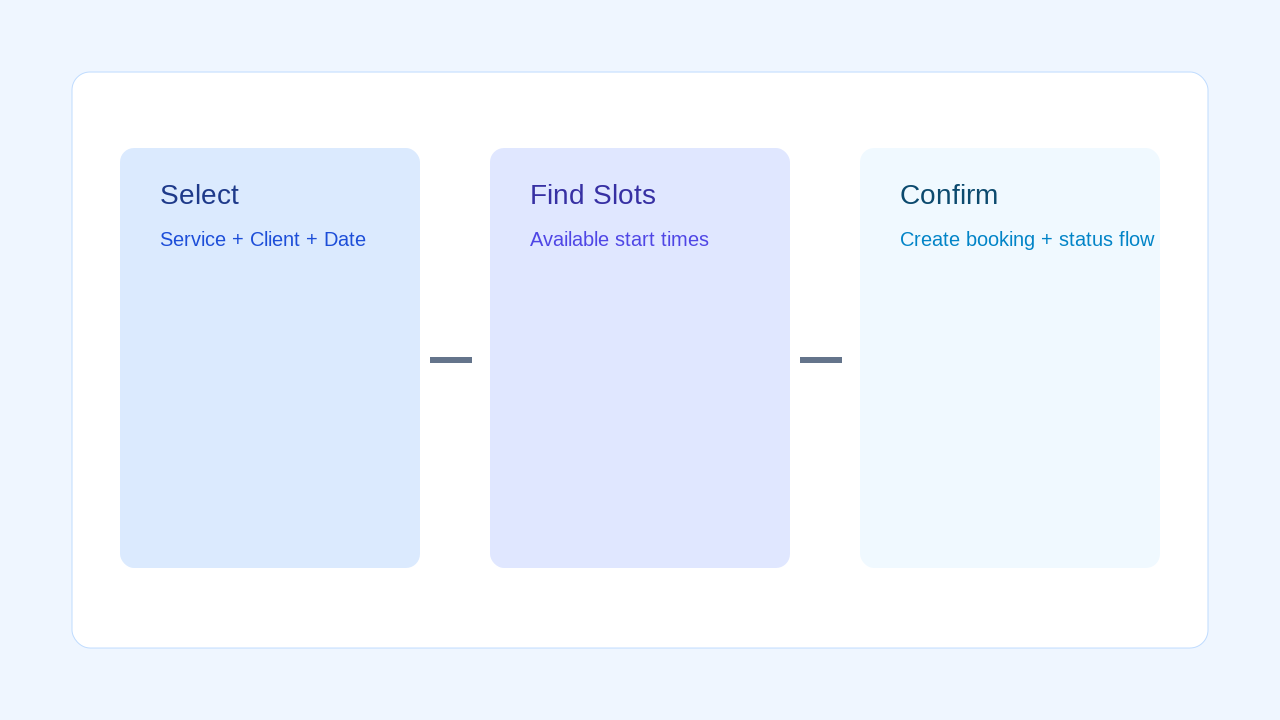
Select service, client, and date to retrieve available slots based on real eligibility and current availability.
Confirm the selected slot to create the booking record without forcing staff to bounce between multiple screens.
Every Appointment Knows How It's Paid For
The moment an appointment is booked, CalendarVU works out who's paying: if the client has a membership or pack that covers the visit, a credit is set aside automatically and the appointment shows as covered on the calendar. No spreadsheet, no guessing at checkout.
If the client has more than one way to pay — say a 5-pack and a monthly membership — the booking is flagged so staff can pick the right one from a simple dropdown on the booking or straight from the calendar. Change your mind later? Swapping coverage instantly returns the old credit and holds the new one.
- Covered appointments ring up at $0 at the register — the reserved credit is used the moment the sale completes.
- Cancel before the visit and the held credit goes straight back to the client's balance.
- Example: a pilates client with a 10-pack books three sessions; three credits are held immediately, so their remaining balance always tells the truth.
- Setting it up takes one link: create a one-time product in Commerce products with the drop-in price and link it to the service — each service's editor shows whether it's linked and what it rings up at, and points you there if it isn't.
Manage Booking Status
Bookings can be updated through status actions such as check-in, complete, cancel, and no-show.
- Status updates support front desk and operational tracking.
- Client profile links provide deeper account and billing context.
- Example: a front desk coordinator can confirm a walk-in, check them in, and review their billing context in one flow.